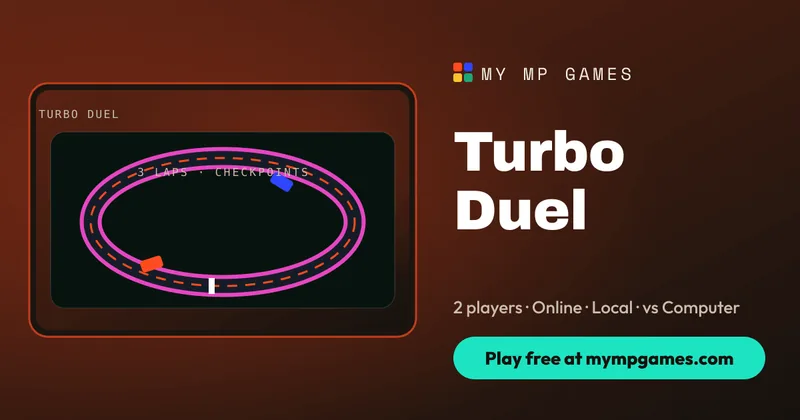
Turbo Duel is a car racing online game built for two players and short, intense races. Two cars line up on a closed neon circuit, a 3-2-1-GO countdown starts the race, and the first car to complete three clean laps wins. There is no garage to grind and no upgrades to buy. It is just you, a rival and the racing line. Race a friend online with a room code, share one keyboard, or take on the computer at Easy, Normal or Hard. It is free, it runs in your browser and there is no account needed.
How to Play Turbo Duel, the Car Racing Online Game
- Choose a mode and a track. The classic circuit is Neon Loop. Desert Sprint and City Circuit are in the variant list.
- Wait for the 3-2-1-GO countdown, then hold the throttle so you launch as soon as the lights go.
- Drive through every checkpoint gate in order. The HUD shows your lap, last and best lap times, race position and speed.
- Complete three laps before your opponent to win, then hit Rematch from the finish screen.
Race Rules
- Three laps decide every race.
- Checkpoints count. Each lap only counts if you pass every checkpoint gate in order, so cutting across the infield gets you nothing.
- Surfaces matter. Tarmac gives full grip, grass slows you right down and walls bounce you back onto the track.
- Contact is allowed. You can nudge your rival, but spinning yourself out costs more time than it saves.
Controls
Keyboard
| Action | Solo / online | Local vs: Player 1 | Local vs: Player 2 | |---|---|---|---| | Accelerate | W or ↑ | W | ↑ | | Brake / reverse | S or ↓ | S | ↓ | | Steer | A/D or ←/→ | A/D | ←/→ |
Touch
On phones and tablets, large on-screen GAS, BRK and ◀ ▶ buttons appear. Tilt steering is available too, but it is off by default. Turn your phone to landscape for the widest view of the track and easier reach of the pedals.
Game Modes
- Online with friends: create a room, share the code and race live.
- Challenge online players: pick someone who is free in the arena and send an invite.
- Local vs: two players on one keyboard. Player 1 uses WASD and Player 2 uses the arrow keys.
- vs Computer: choose Easy, Normal or Hard before the start.
Turbo Duel is one of 67 free games on My MP Games. Every game uses the same room codes, so switching from racing to a board game takes seconds.
Tracks
- Neon Loop: the classic circuit and the best place to learn the car.
- Desert Sprint: a wide sandy circuit with one tight hairpin.
- City Circuit: a technical downtown track with close walls that punish mistakes.
Tips and Strategy
- Steer less at speed. Short taps keep the car on the tarmac. Holding full lock at top speed sends you into the grass.
- Brake in a straight line, then accelerate out. Slow down before a hairpin and get on the gas as you leave it. You will gain more on the exit than you lose on the entry.
- Treat grass as a penalty. One wheel on the grass costs speed, and four wheels can cost you the race.
- Learn the gates. Once you know where each checkpoint sits, you can take the tightest legal line through every sector.
- Defend the inside. In a close duel, keep to the inside line before a corner so your rival has to go the long way around.
From Arcade Classics to Browser Racing
Top-down racers are almost as old as video games. Early arcade machines in the mid-1970s, such as Atari's Sprint series, put several players around a single track viewed from above, and the format stayed popular through the 1980s. Turbo Duel keeps that pick-up-and-play feel: an overhead view, simple controls and races that last a minute or two. Instead of a crowded grid, it focuses on a straight one-on-one, so every overtake is personal and every rematch counts.
Turbo Duel FAQ
Can I play this car racing online game against a friend?
Yes. Create a room and share the code to race online, or choose Local vs to race on the same keyboard with WASD and the arrow keys.
Can I race against the computer?
Yes. Play vs Computer lets you choose Easy, Normal or Hard before the race starts.
How many laps is a Turbo Duel race?
Three laps. Each lap only counts if you pass every checkpoint gate in order.
Can you play racing games with a keyboard?
Yes. Use W or Up to accelerate, S or Down to brake and reverse, and A/D or Left/Right to steer.
Does Turbo Duel work on mobile?
Yes. On-screen GAS, BRK and steering buttons appear on touch screens, and optional tilt steering is available. Landscape gives the widest view.
Is Turbo Duel free?
Yes. It is a free browser racing game with no download, no account and no paid upgrades.