
FIELD MANUAL
How to Play Slapjack Online
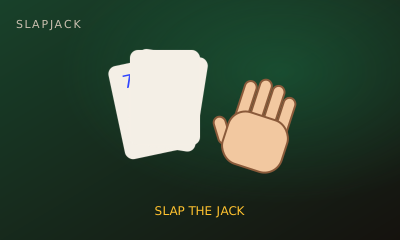
Slapjack is the classic card slapping game. Take turns flipping cards onto a pile, and the first player to slap a Jack wins the whole pile.
01 // CONTROLS
Controls
- Flip button or Space
- SLAP button, S or J
- Local play: A slaps for Player 1, L for Player 2
02 // STEPS
Step by step
- 01
Open the game
From the arena roster, open this game’s play page.
- 02
Create or join a room
Host creates a room and shares the code. The second player joins with that code.
- 03
Both hit Ready
When two players lock in, the match starts instantly — no accounts needed.
- 04
Flip in turn
The deck is dealt into two face-down stacks. Take turns flipping your top card onto the pile in the middle.
- 05
Slap the Jack
When a Jack lands, slap it. The first slap takes the whole pile and that player flips next.
- 06
Avoid false slaps
Slapping any other card costs you one card, which goes to your opponent.
- 07
Last chance
If you run out of cards, you are still in until the next Jack. Slap it first to get back in, or lose the game.
03 // EDGE
Pro tips
- Keep your eyes on the pile, not on your button.
- Queens and Kings cause most false slaps. Wait for the J.
- The hard computer reacts in about 0.4 seconds; easy gives you over a second.
04 // FAQ
Slapjack FAQ
Is Slapjack free to play in the browser?
Yes. Slapjack on My MP Games is free HTML5 — no download, no account, and no paywall.
Can I play Slapjack vs the computer?
Open the play page and choose Play vs Computer. You can also play Local vs on one device or share a room code with a friend.
Where are the Slapjack rules?
Slapjack is the classic card slapping game. Take turns flipping cards onto a pile, and the first player to slap a Jack wins the whole pile.