
FIELD MANUAL
How to Play Memory Match Online
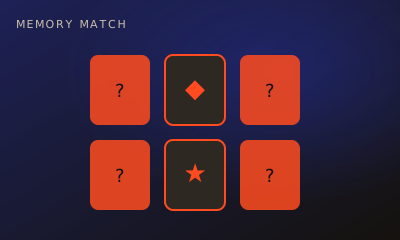
Flip cards, find pairs. Take turns revealing two cards — matching pairs score points. Most pairs wins.
01 // CONTROLS
Controls
- Click a face-down card to flip it
- Flip a second card to try for a match
02 // STEPS
Step by step
- 01
Survey the grid
All cards start face-down. Remember what you see.
- 02
Flip two cards
On your turn, flip one card, then another.
- 03
Match to score
If the symbols match, you keep the pair and usually go again or bank a point.
- 04
Mismatch ends the turn
If they don’t match, they flip back and it’s your opponent’s turn.
- 05
Highest score wins
When no cards remain, the player with more pairs wins.
03 // EDGE
Pro tips
- Memorize positions, not just symbols.
- Sometimes flip a known card to set up your next turn.
04 // FAQ
Memory Match FAQ
Is Memory Match free to play in the browser?
Yes. Memory Match on My MP Games is free HTML5 — no download, no account, and no paywall.
Can I play Memory Match vs the computer?
Open the play page and choose Play vs Computer. You can also play Local vs on one device or share a room code with a friend.
Where are the Memory Match rules?
Flip cards, find pairs. Take turns revealing two cards — matching pairs score points. Most pairs wins.