
FIELD MANUAL
How to Play Go Online
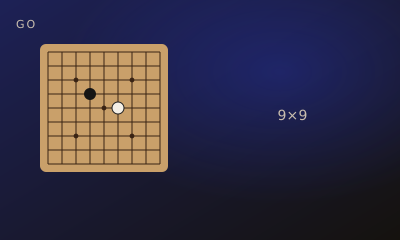
Surround territory on 9×9 (default), 13×13, or 19×19. Captures, suicide bans, positional superko, and Chinese area scoring with komi.
01 // CONTROLS
Controls
- Tap an intersection to place a stone
- Pass, resign, and (after two passes) tap groups to mark them dead, then accept
02 // STEPS
Step by step
- 01
Pick a board
9×9 is the default. Variants offer 13×13 and 19×19. Optional handicap stones sit on hoshi; White gets komi.
- 02
Place and capture
A group dies when it has no liberties. Suicide is illegal unless the play captures. Superko forbids repeating a board.
- 03
Pass twice
Two consecutive passes end the game and open dead-stone marking. Vs Computer estimates conservatively (seki stays alive).
- 04
Score Chinese area
Live stones plus surrounded empty points, plus komi for White. Dame (neutral) empty points score for nobody.
03 // EDGE
Pro tips
- Corners before sides before center on 9×9.
- Do not fill a one-stone ko immediately — that is superko.
04 // FAQ
Go FAQ
Is Go free to play in the browser?
Yes. Go on My MP Games is free HTML5 — no download, no account, and no paywall.
Can I play Go vs the computer?
Open the play page and choose Play vs Computer. You can also play Local vs on one device or share a room code with a friend.
Where are the Go rules?
Surround territory on 9×9 (default), 13×13, or 19×19. Captures, suicide bans, positional superko, and Chinese area scoring with komi.